
WordStream is a company that brings the power of online advertising to organizations of all sizes. The WordStream Advisor software helps business owners, marketers, and agencies all over the world use paid search and social to turn clicks into paying customers.
Working as an Associate Product Design Intern, I was tasked with adapting to the new business model that focuses more on online interactions rather than the traditional customer to sales representative communication during the time of COVID-19. This was where the system design played a crucial role in effectively relaying information and data to the user. My main project for the summer was focused on the Buy Online Experience. How can I design a user's purchasing experience of the WordStream Advisor software to be easy-to-follow as well as provide a seamless transition from purchase to use of the product?
Buy Online Flow - Usability Test
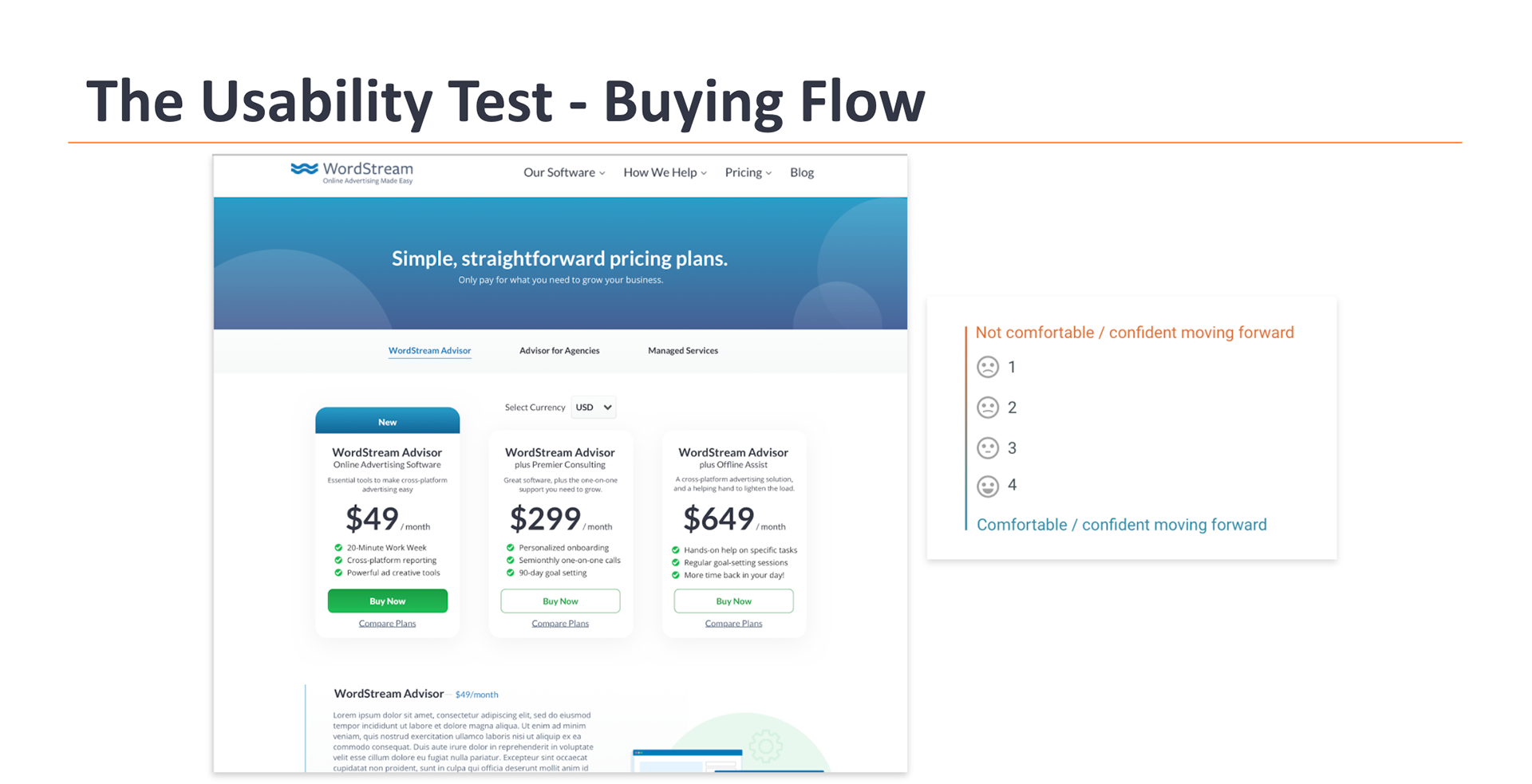
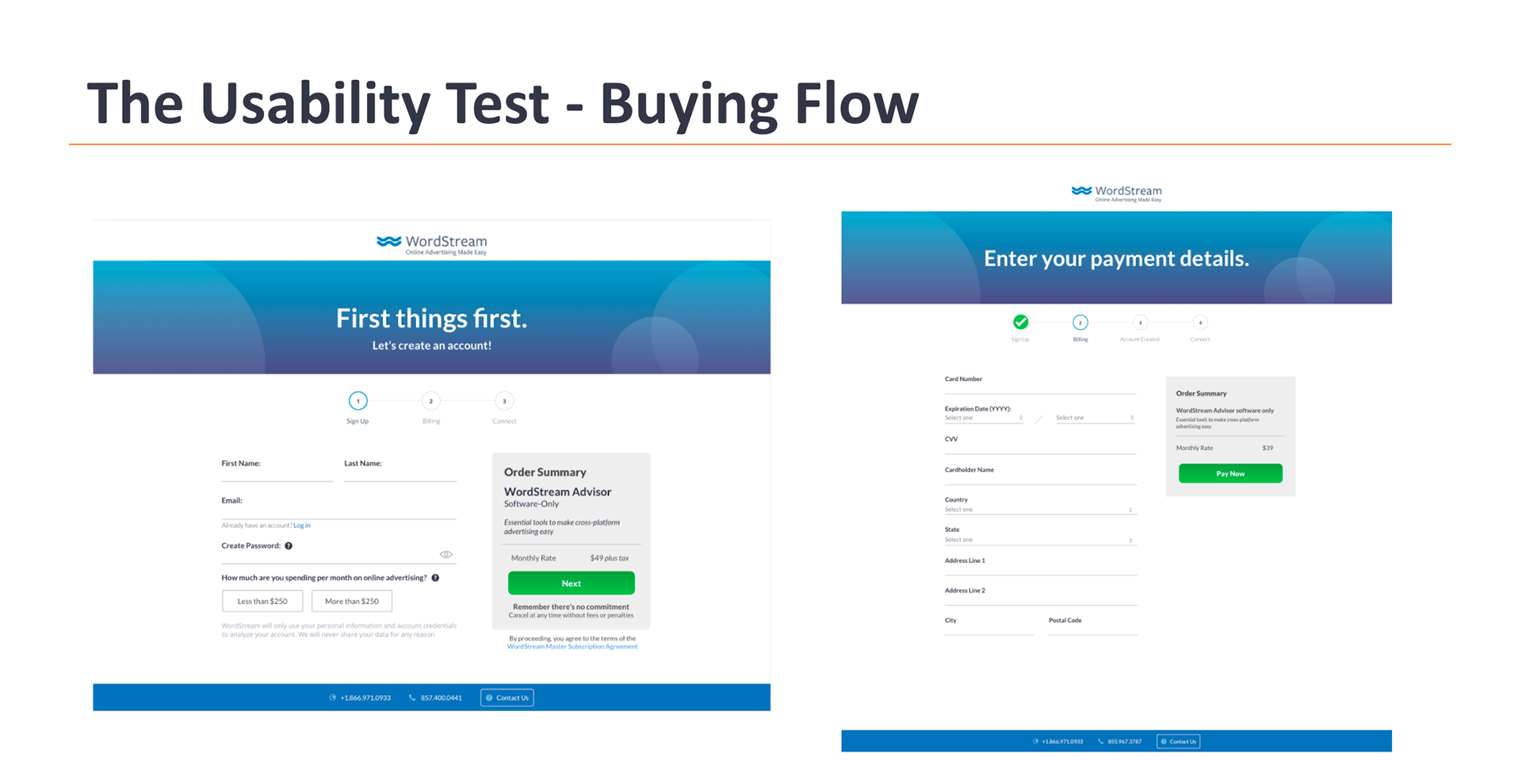
To begin the designing process, I sat in on 7 usability tests with volunteers. The participants walked through an updated Pricing Page outlining the new software packages then a Sign Up, Billing, and Account Connection process and were asked to rate their comfort level in moving forward at each step.
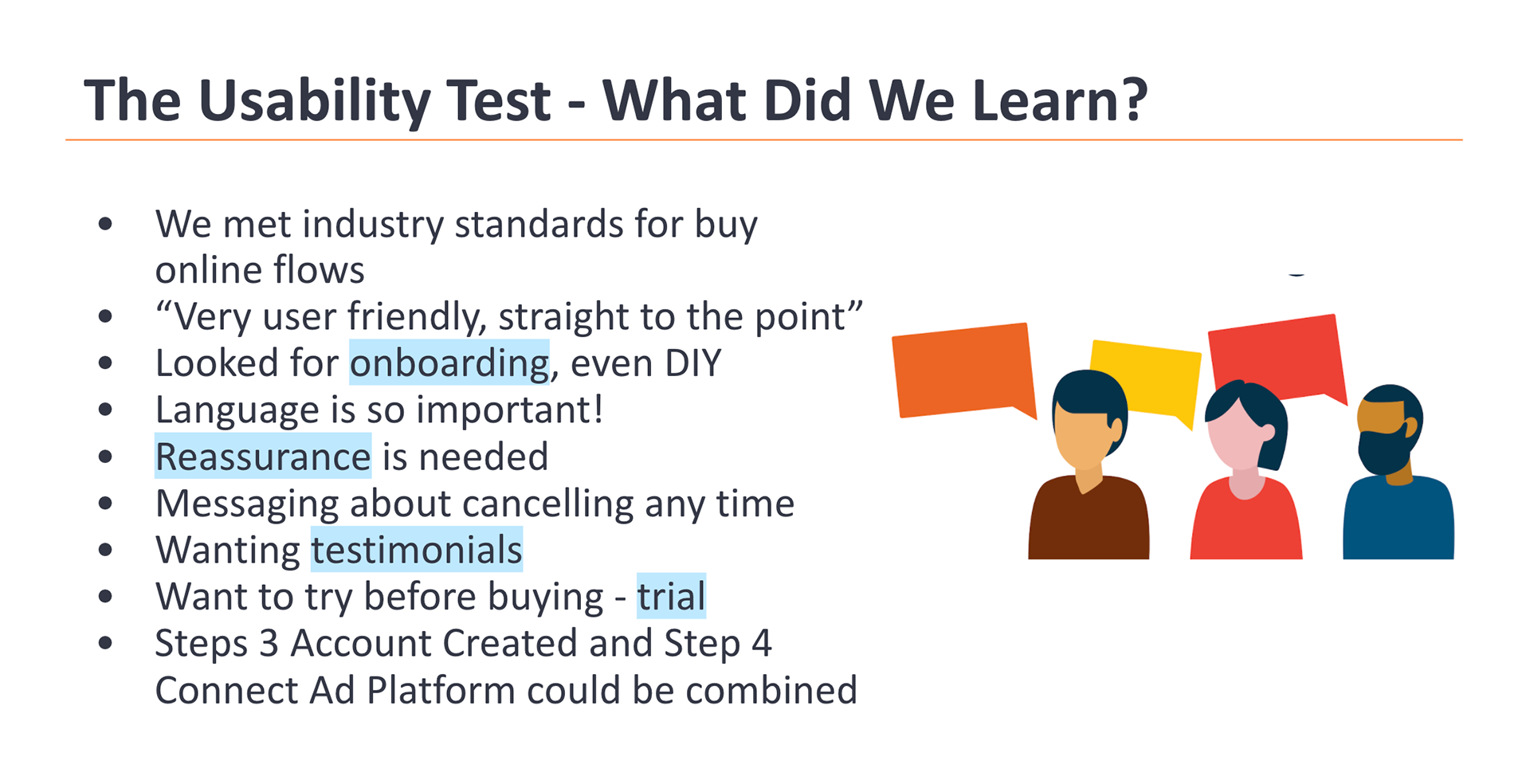
From the tests, I took notes on the biggest takeaways of each participant shown below.
Buy Online Flow - Design Iterations
Next, I took the notes from the usability tests and began working through multiple iterations of the Buy Online Flow.
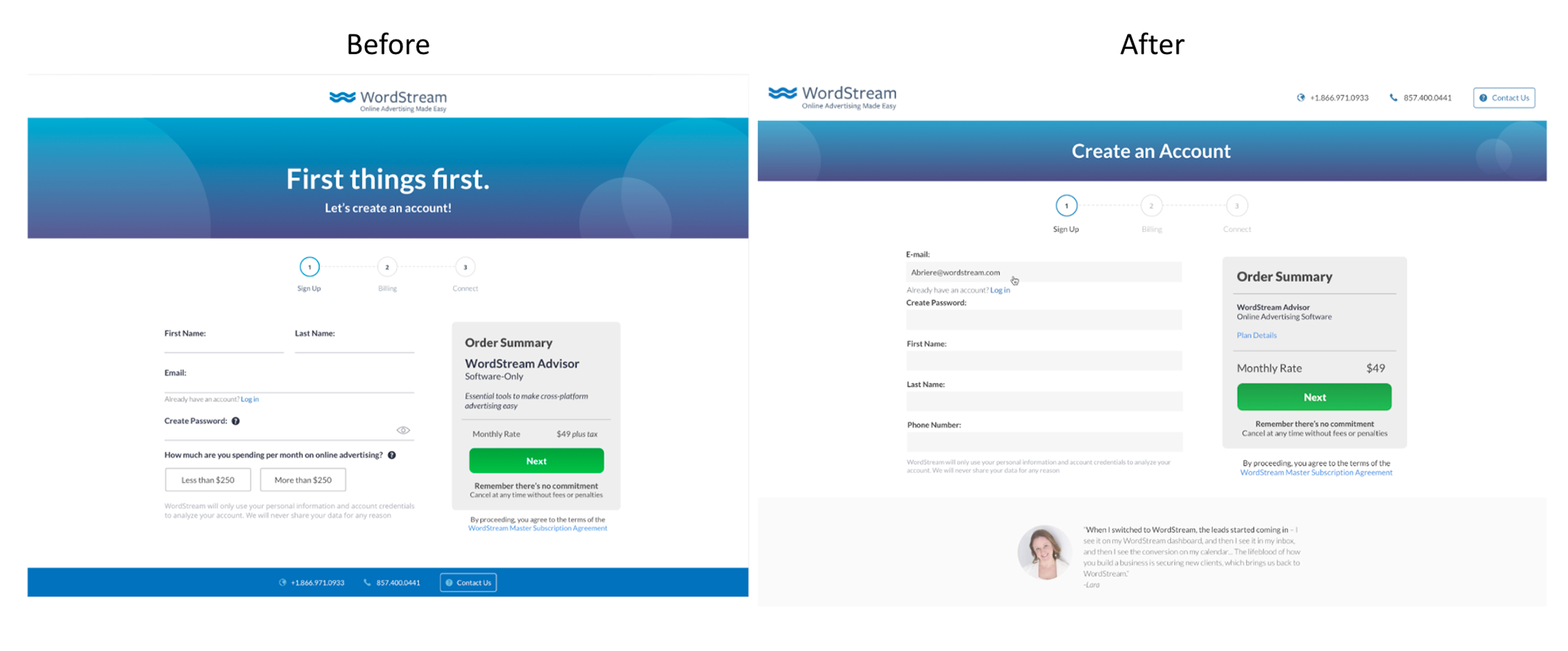
The Sign Up Page Update - Streamlines title and text, adds clearer text hierarchy in "cart", introduces previous customer's testimonials in footer, and declutters fill-in fields.
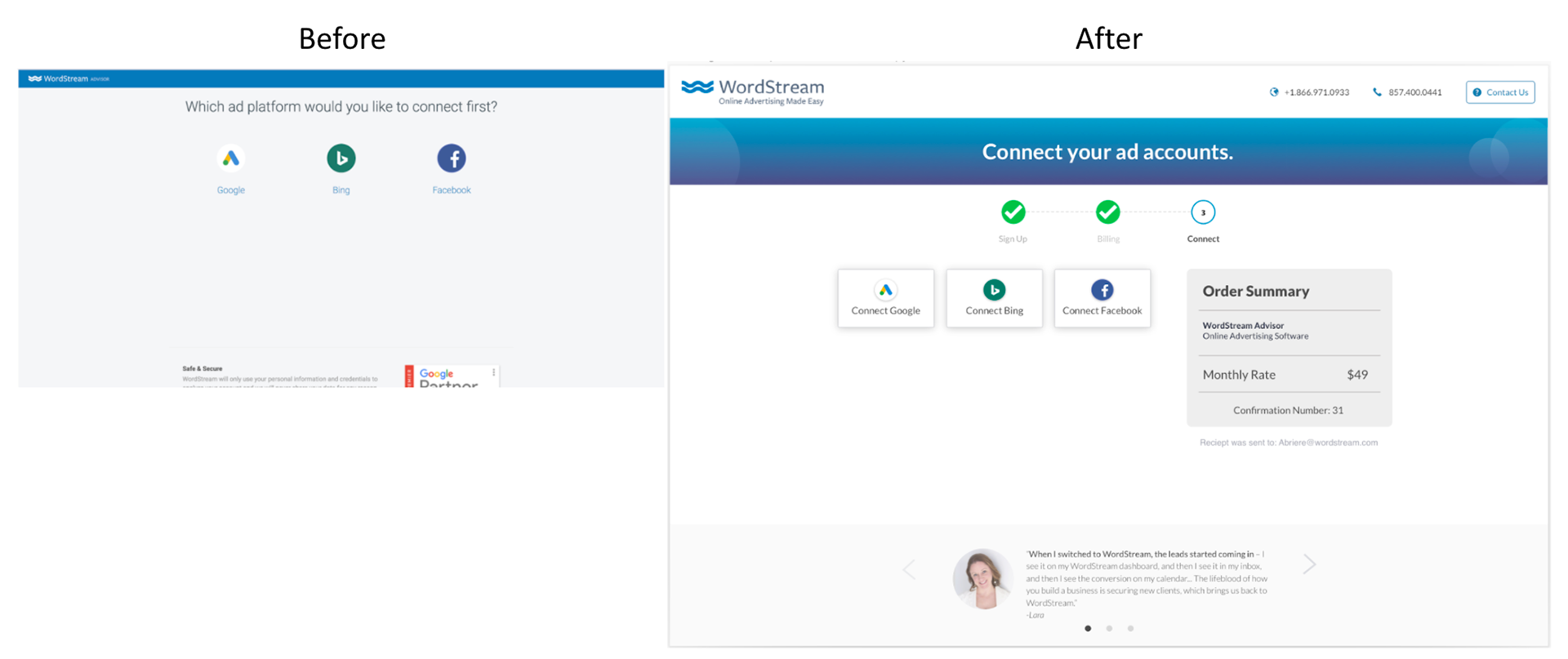
The Connect Page - Asks users to connect their ad platforms right after purchase to begin client's introduction to the software. This updated view improves on the old version by increasing trust by staying consistent with previous page interactions.
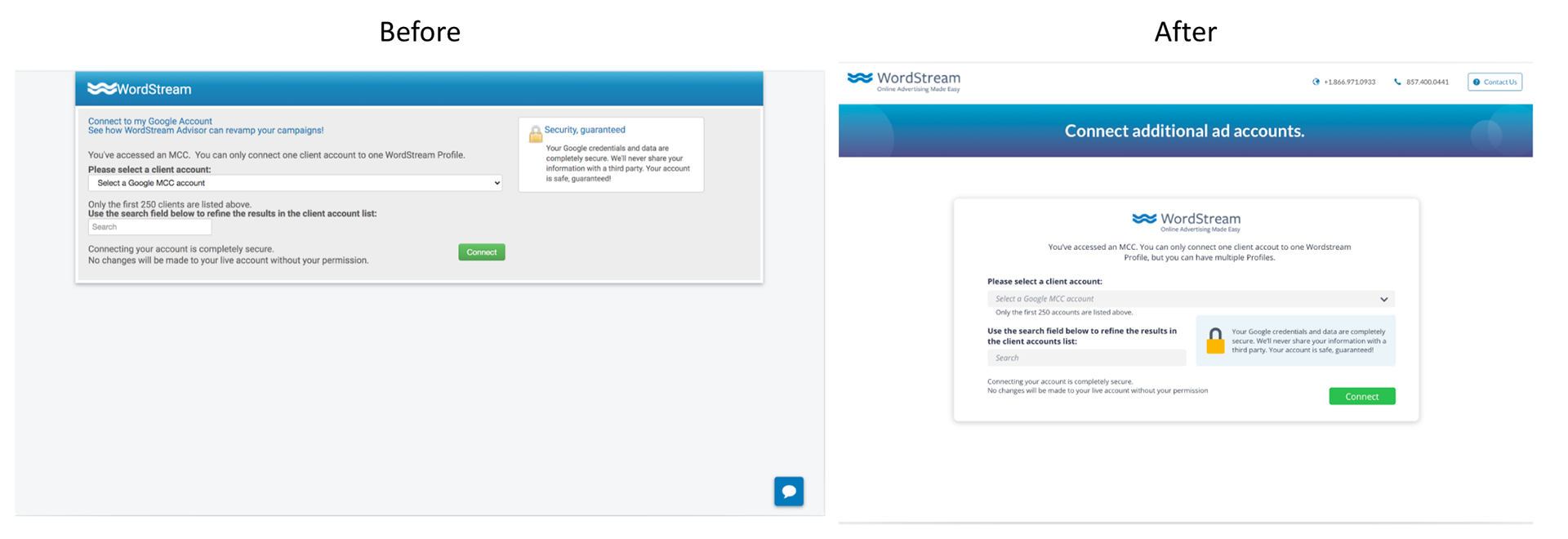
Formal Account Connection - Updated design increases trust in system/product by using consistent styling as previous page interactions.
Buy Online into Onboarding Flow
I explored the flow in between purchase of the WordStream Advisor software and the introduction of how to use the system. While their ad account is being connected (from the previous step), clients are prompted to take a Welcome Survey that assesses their skill level with online advertising and pairs them with a recommended training path and training videos regarding how to use the software.
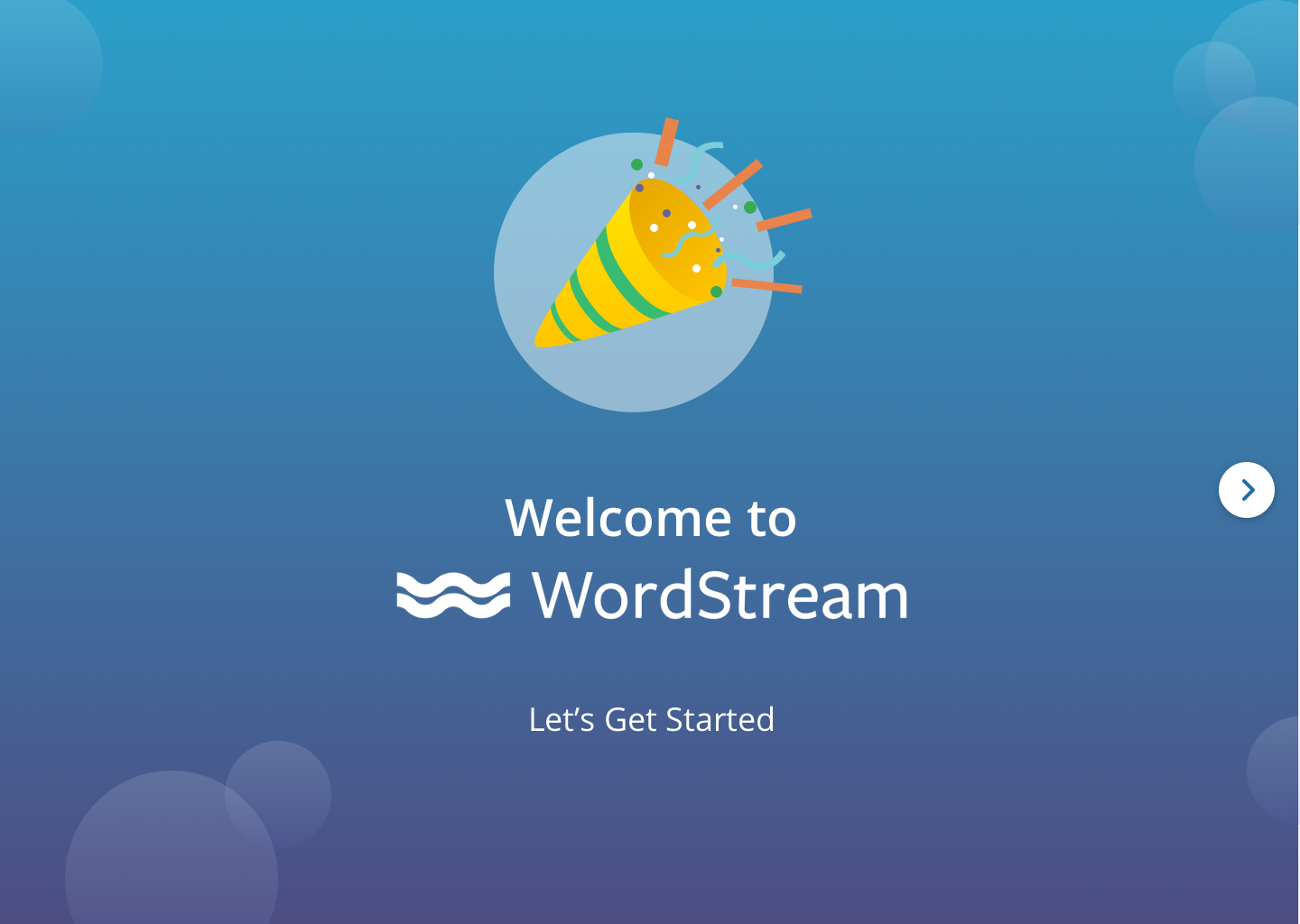
Welcome Screen
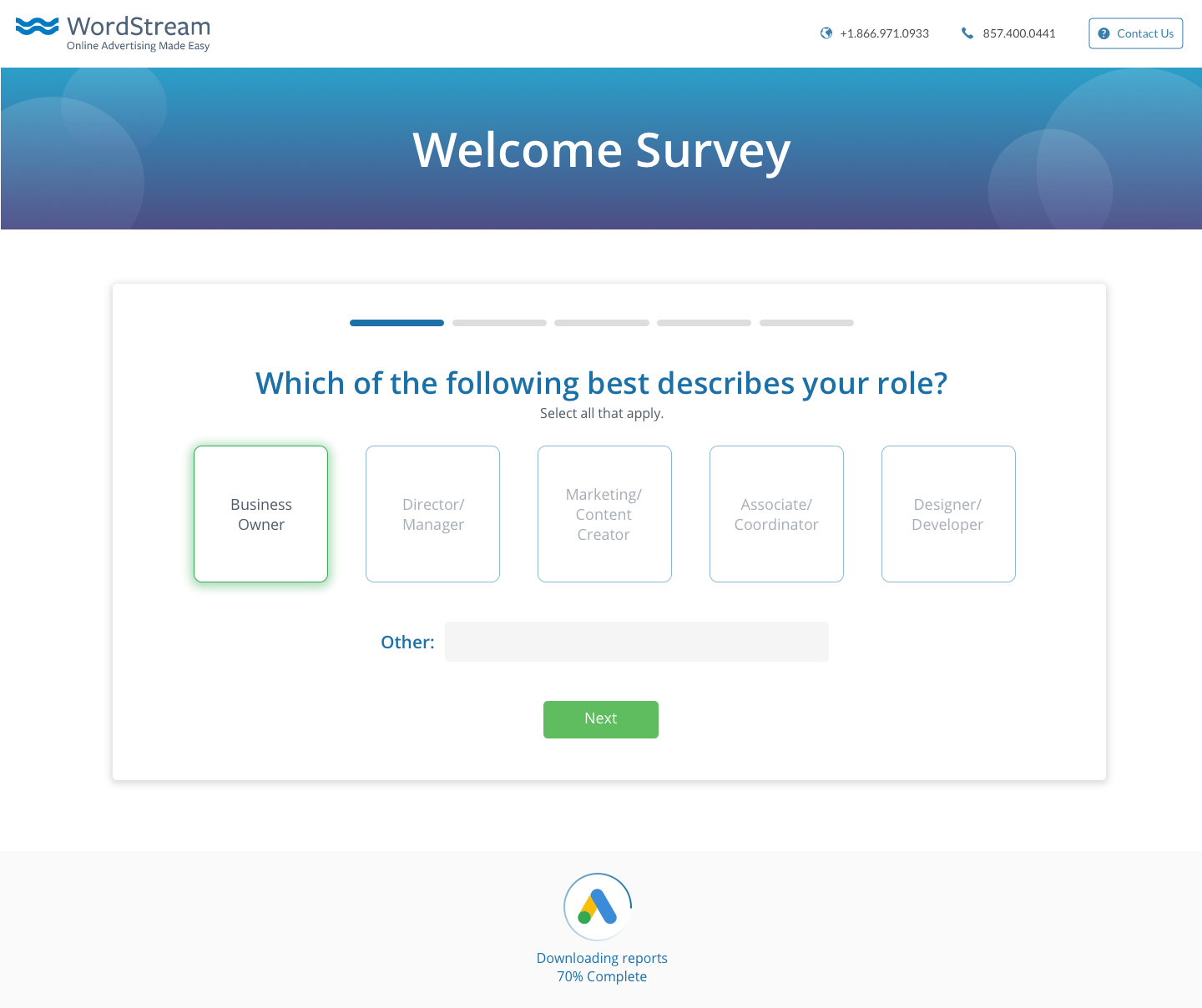
Survey Question 1
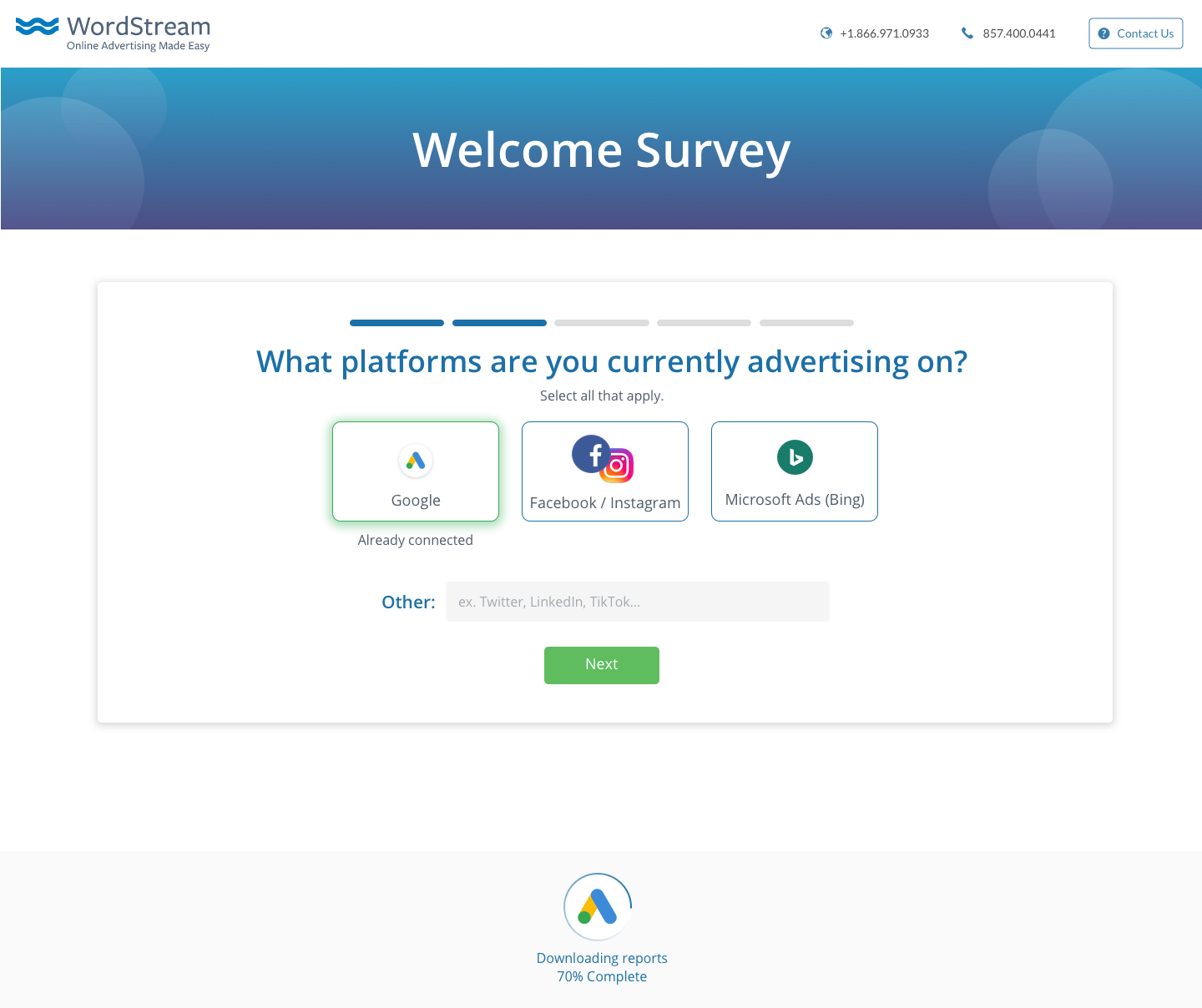
Survey Question 2
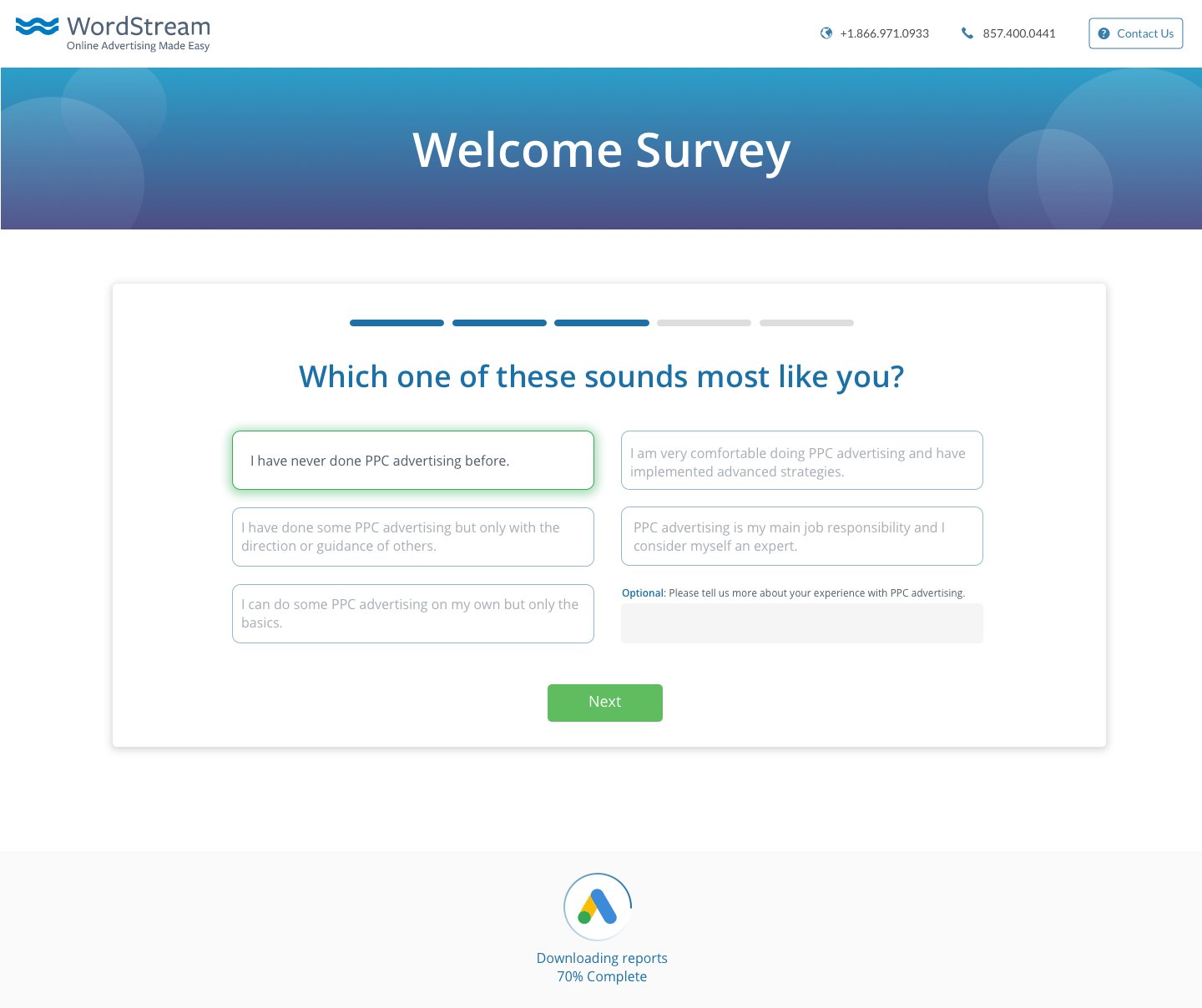
Survey Question 3
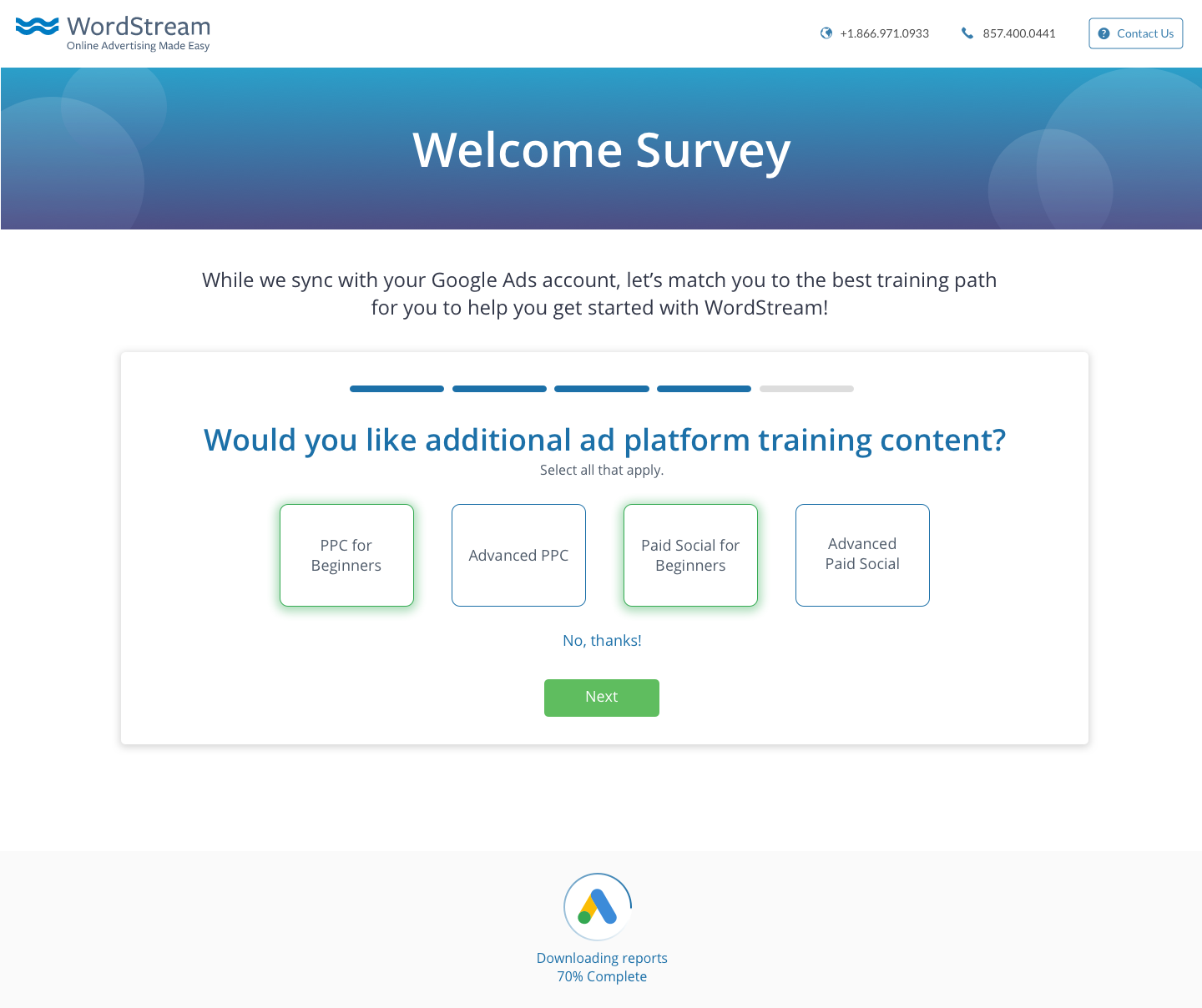
Survey Question 4
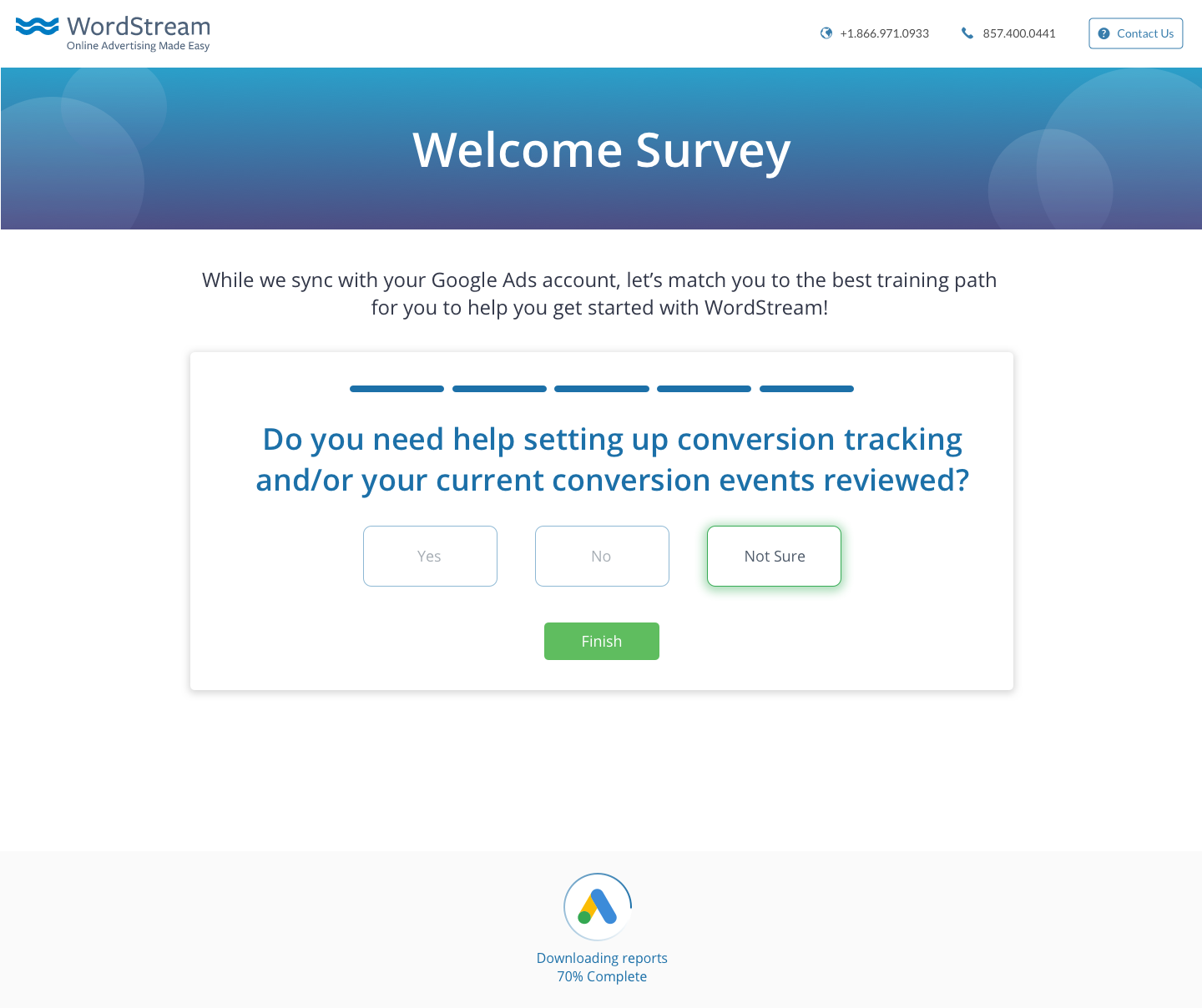
Survey Question 5
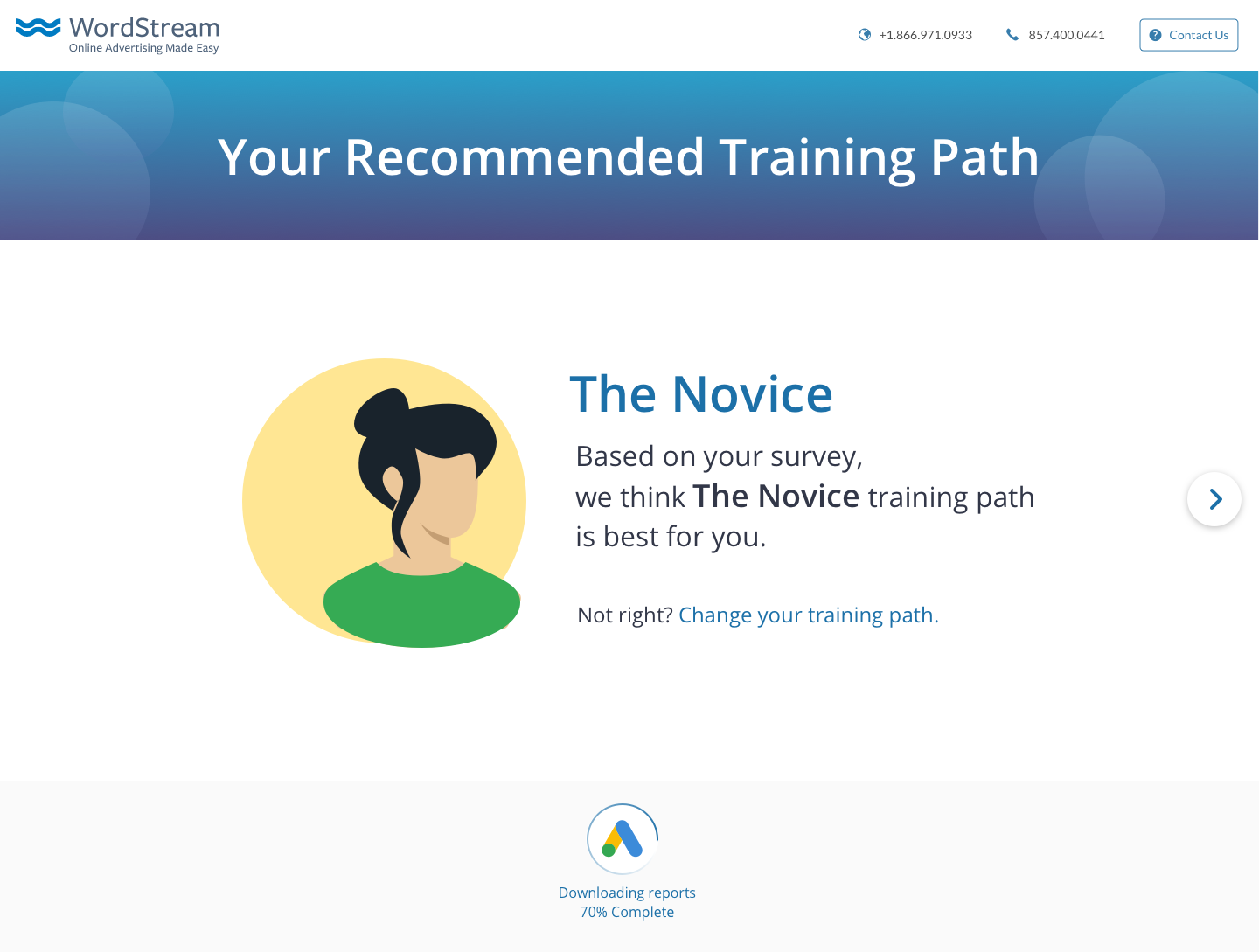
Training Path Pairing
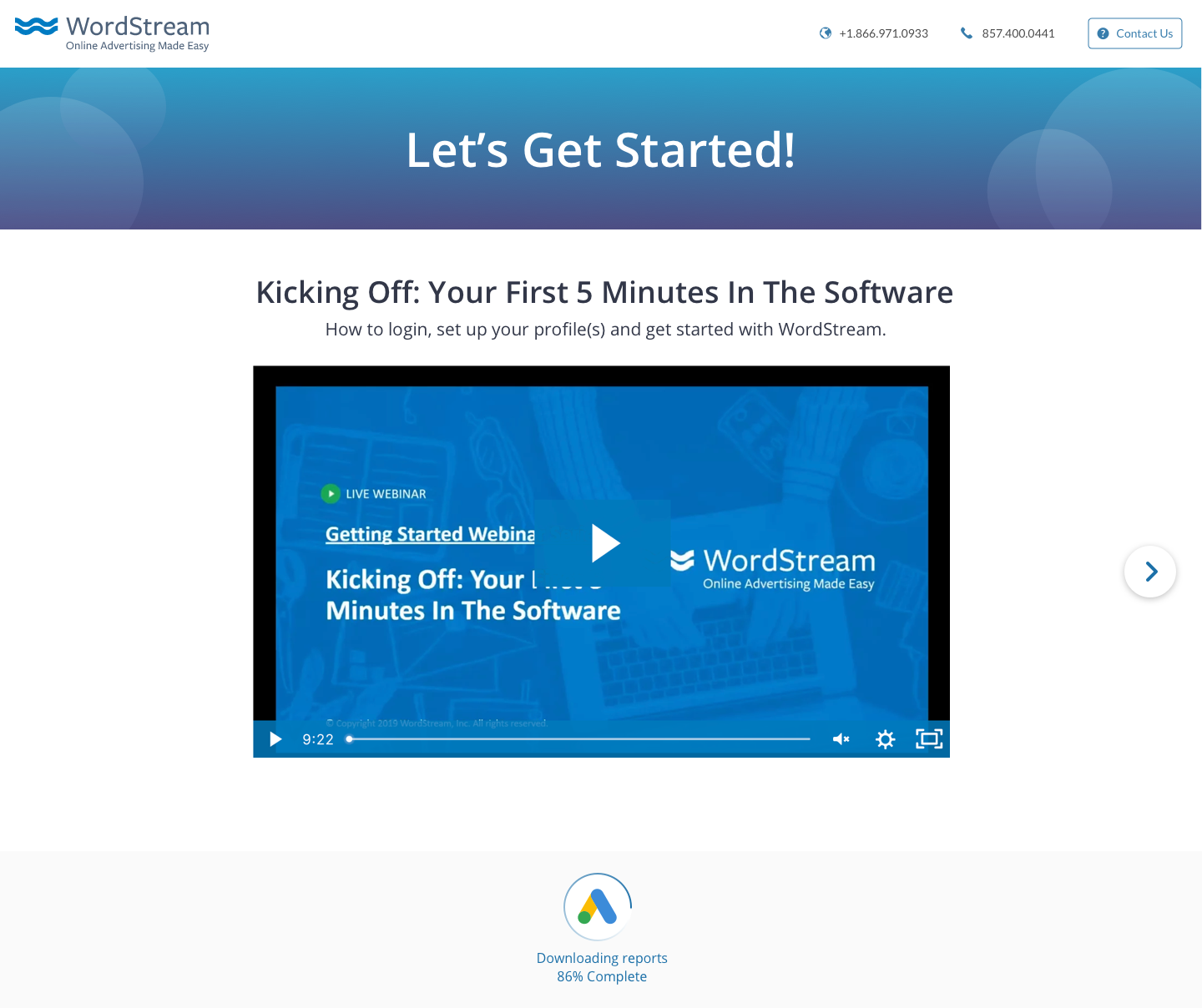
Novice Training Path Recommended Video
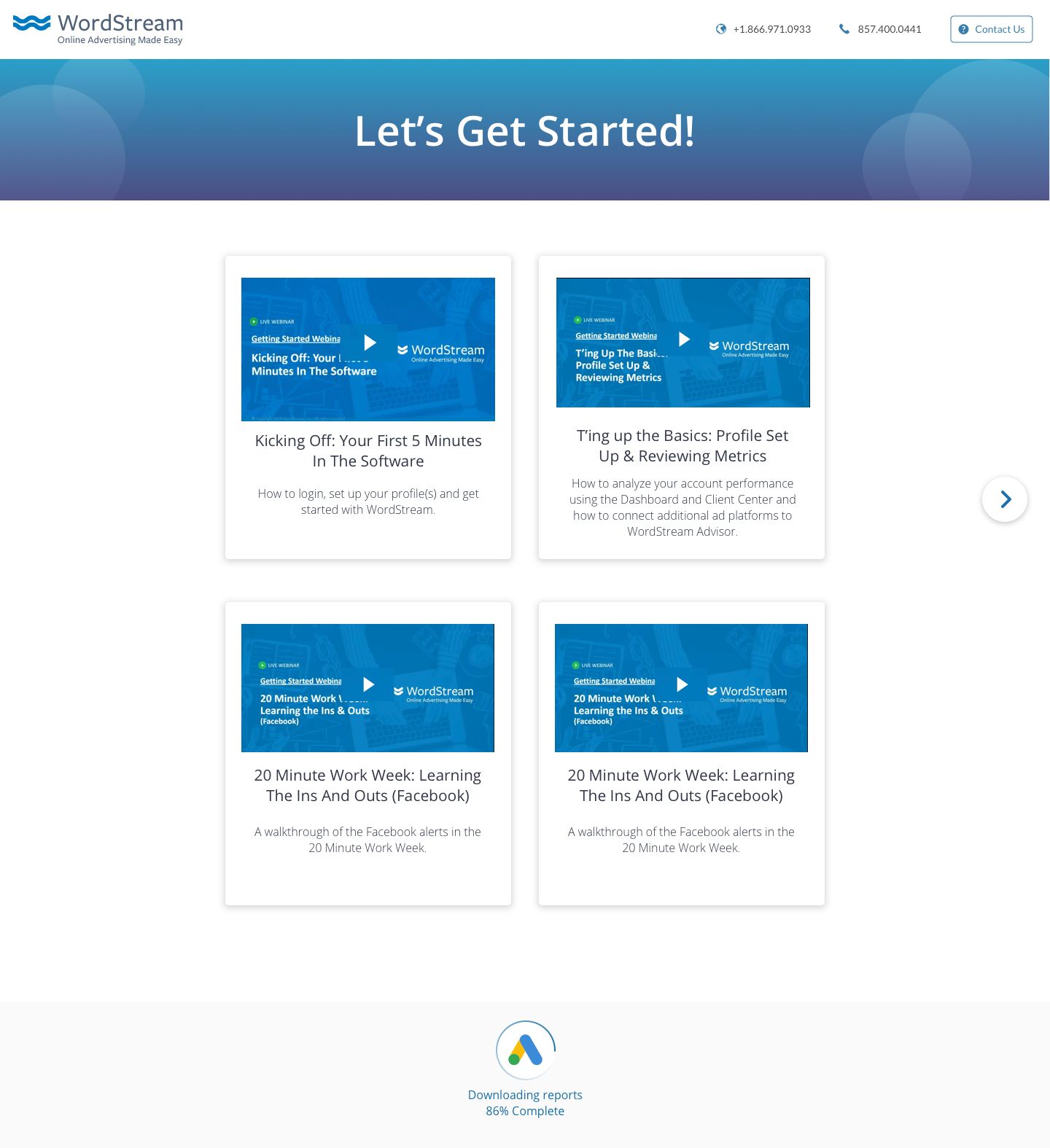
Recommended Video Selection for more advanced training path personas
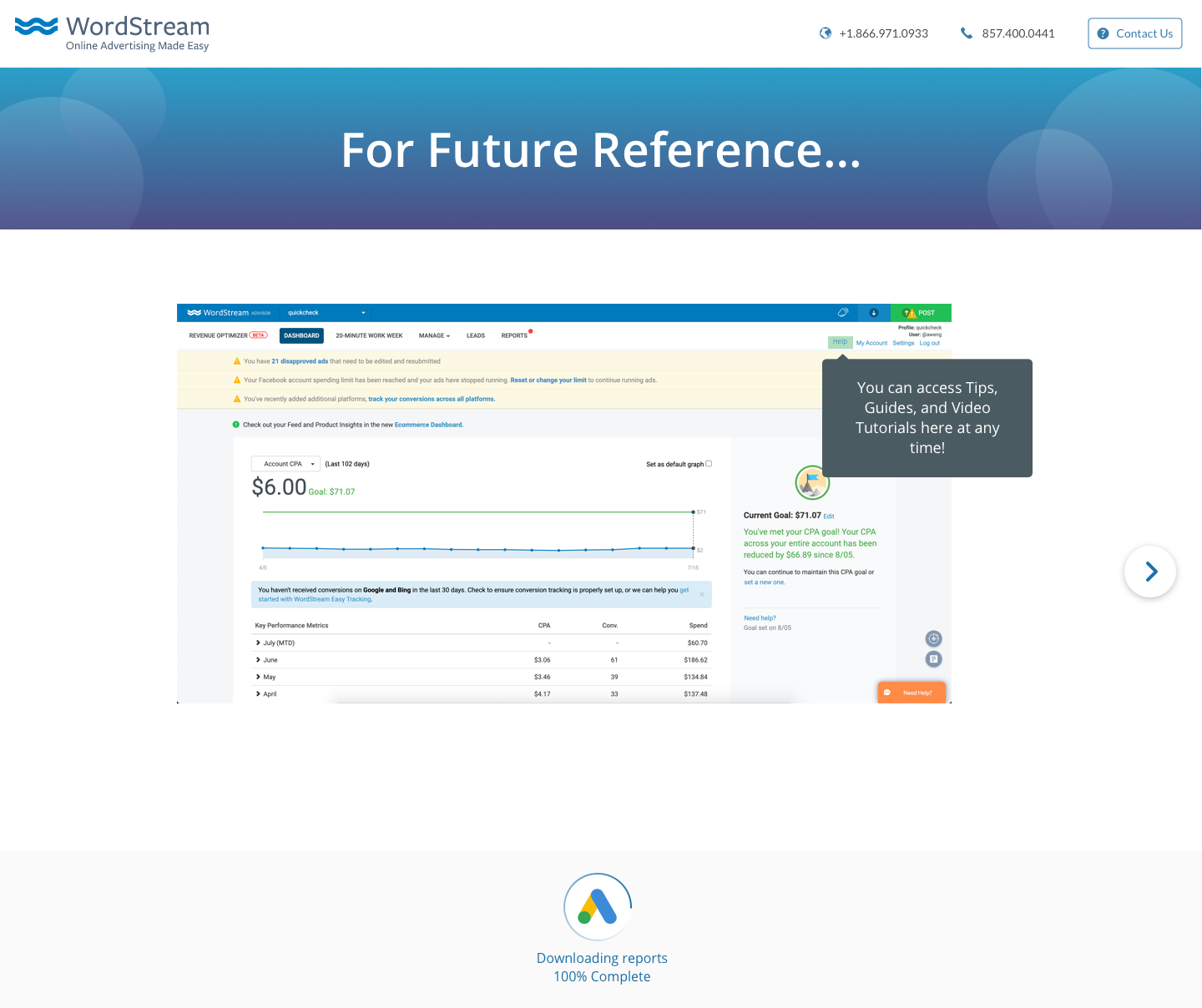
A Final Reference page that shows clients where to find Help in the future
The Trial to Buy Experience
How can I design the trial experience to encourage potential clients to upgrade to the full WordStream Advisor Software? I worked on a couple design iterations that emphasize the upgrade option to users.
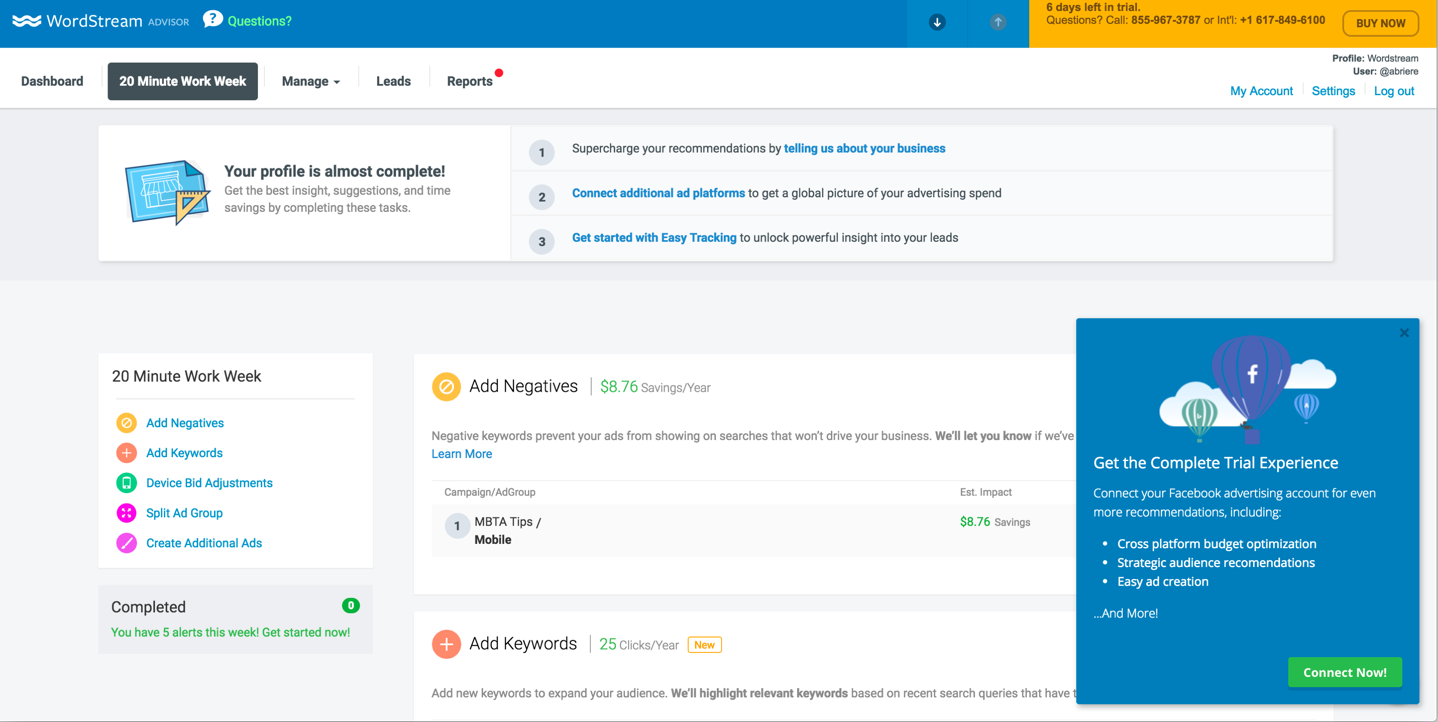
Previous Trial to Buy Push (Top Right Corner)
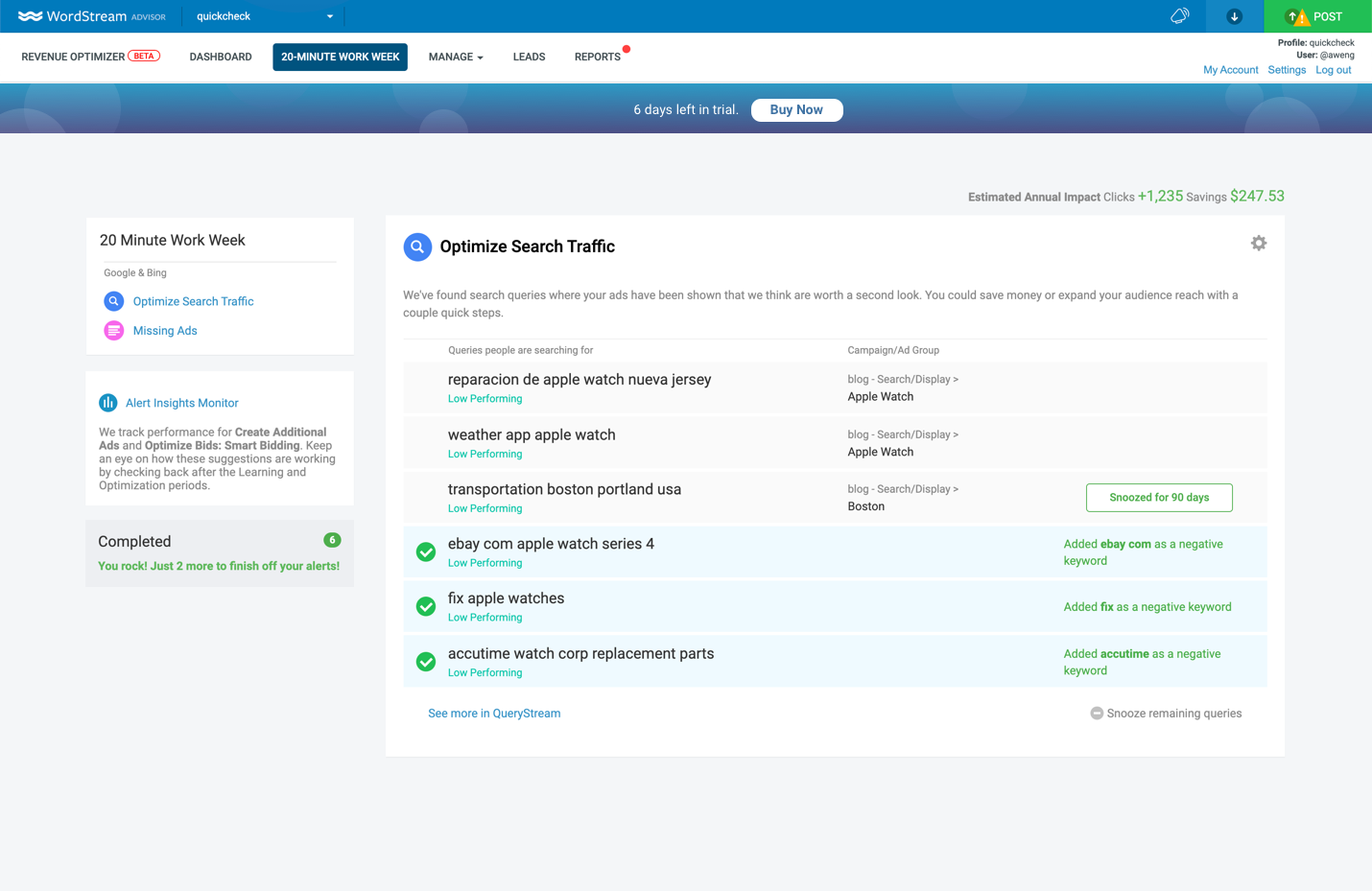
Possible Update 1
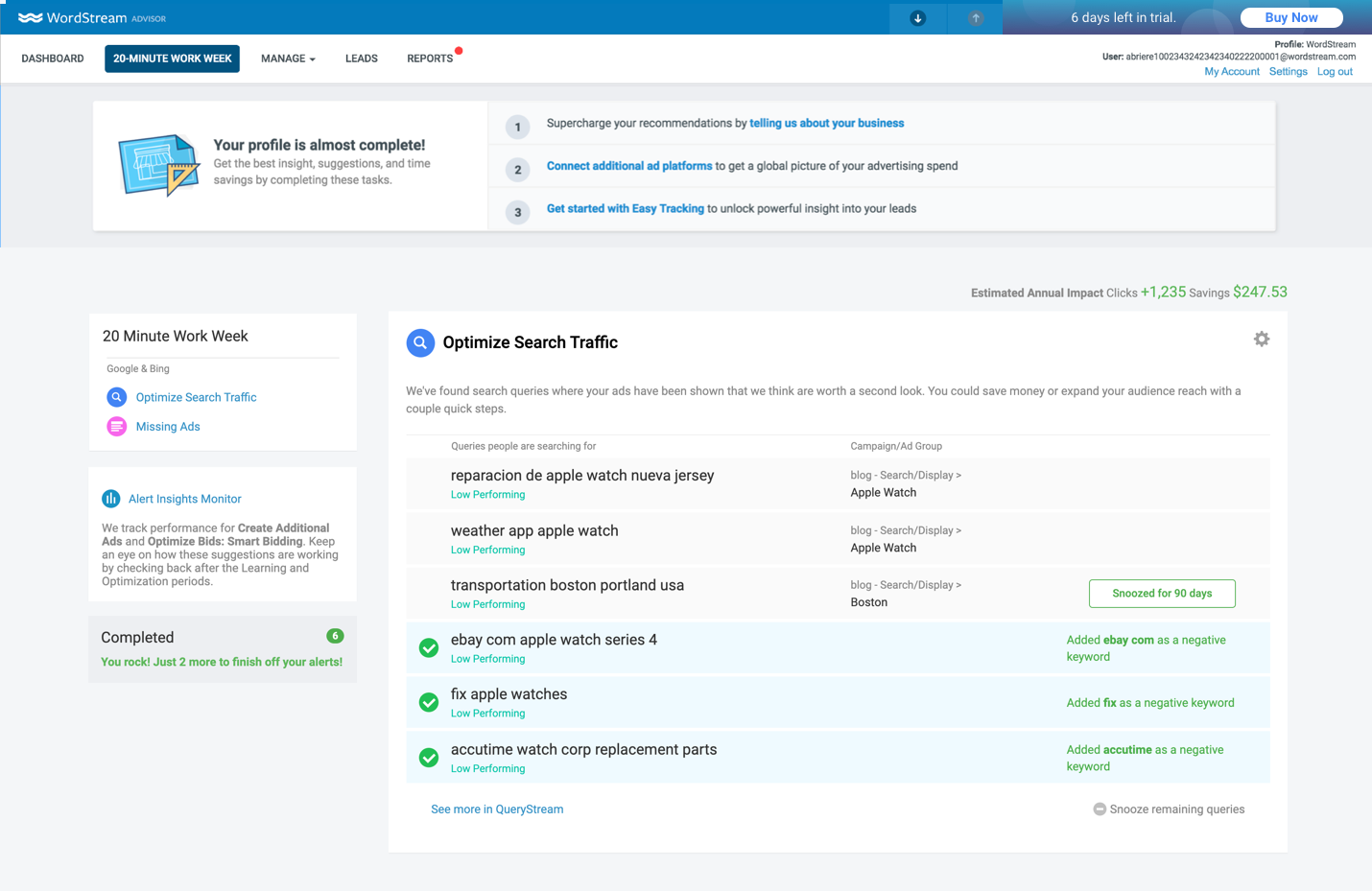
Possible Update 2
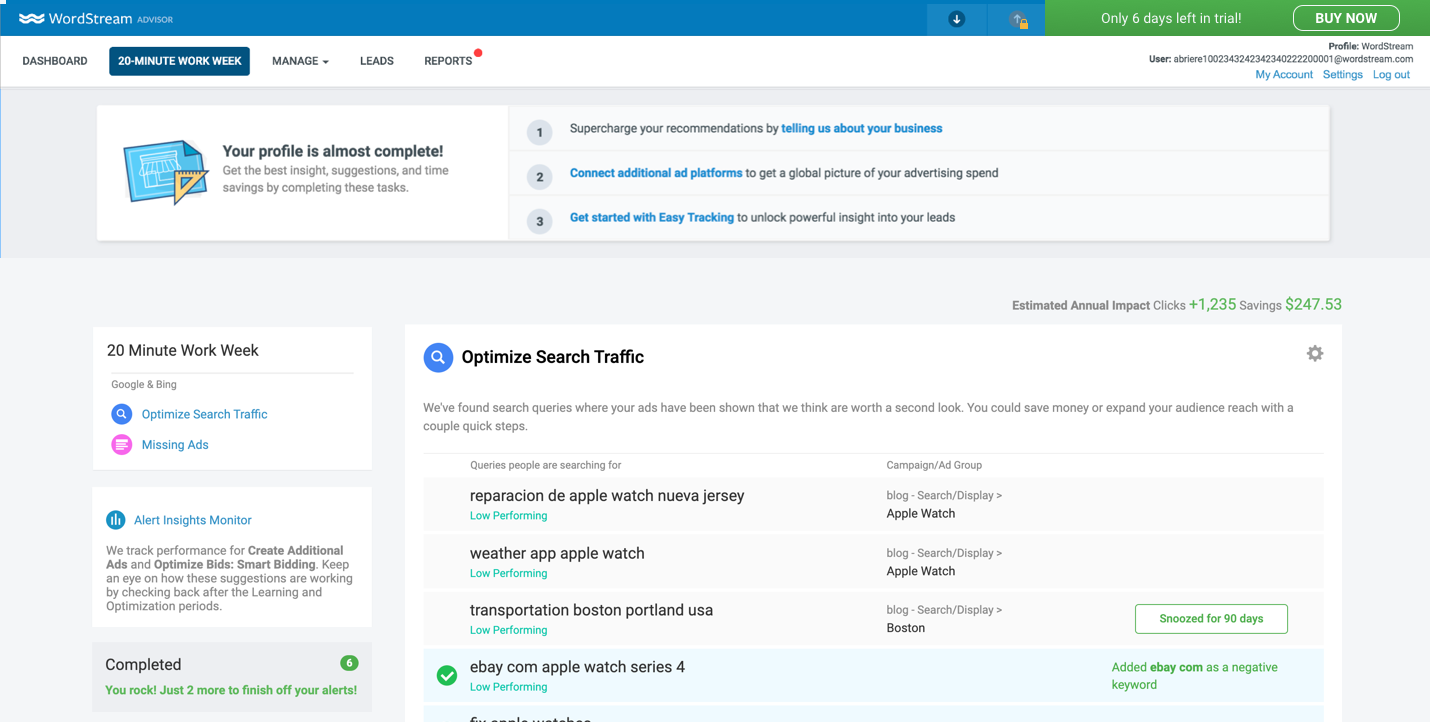
Updated Trial to Buy Push (Top Right Corner) - Encourages a more independent buy online experience without needing to call a representative to upgrade
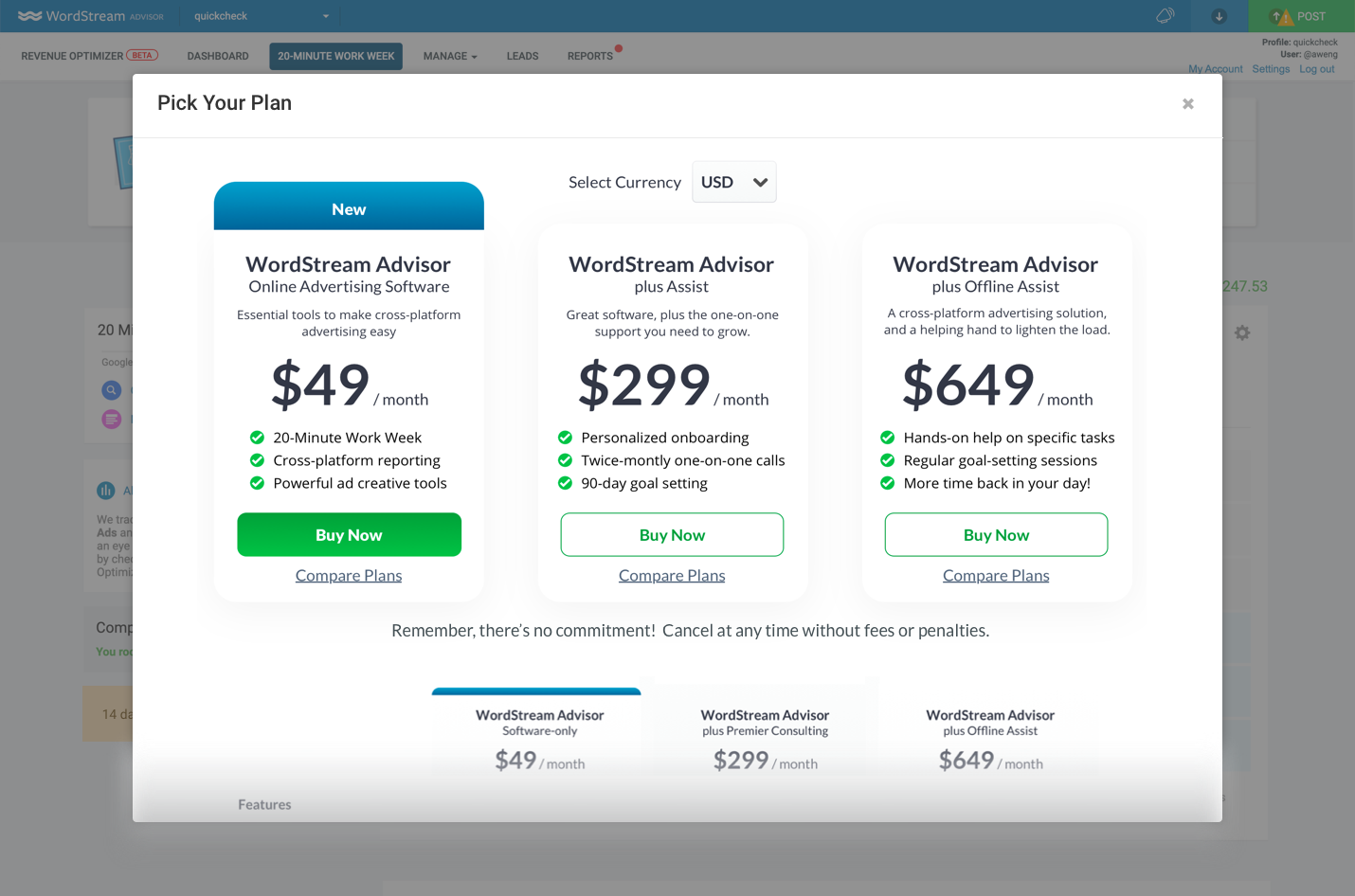
Within Product Upgrade Modal
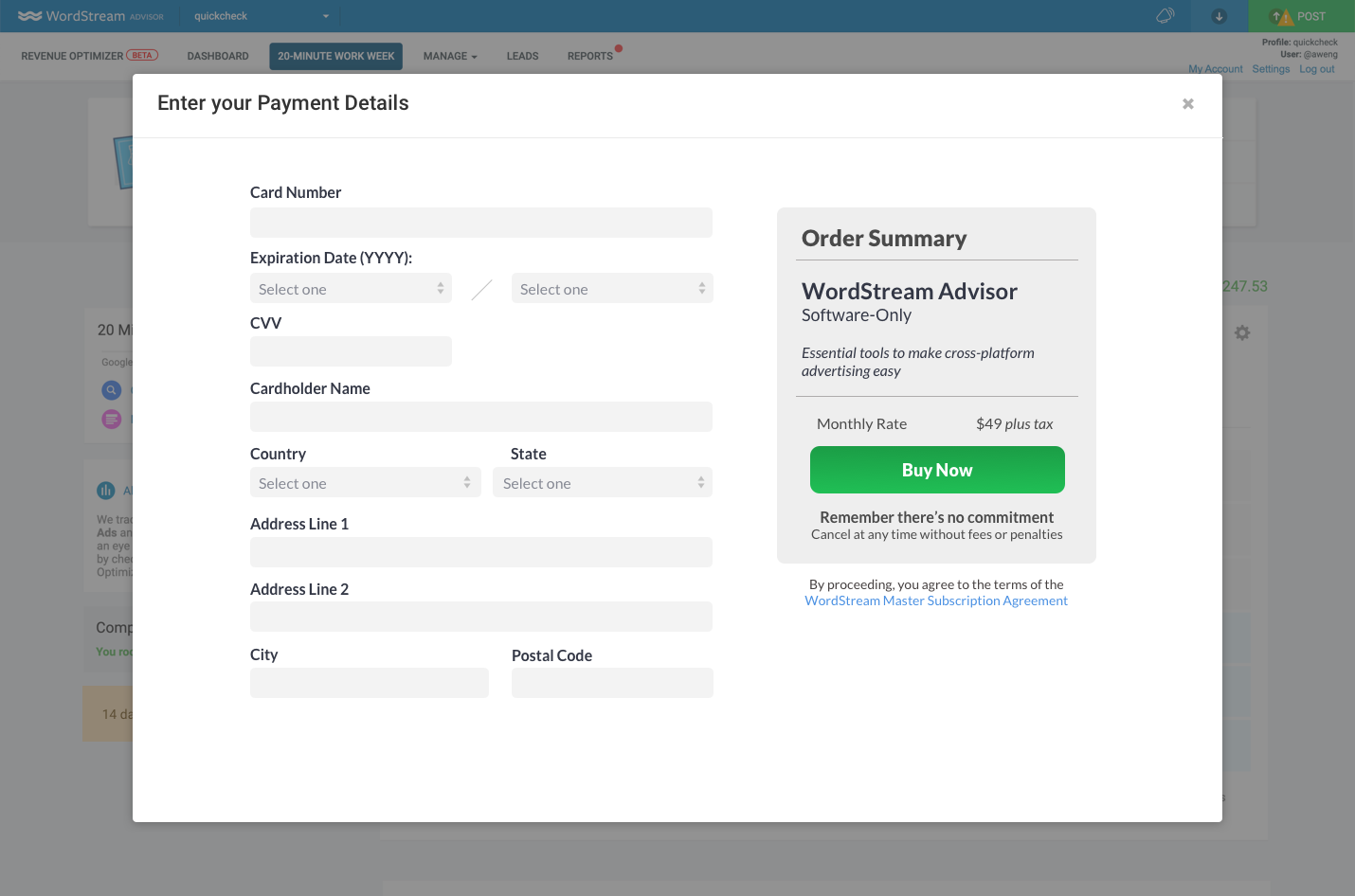
Within Product Billing Form
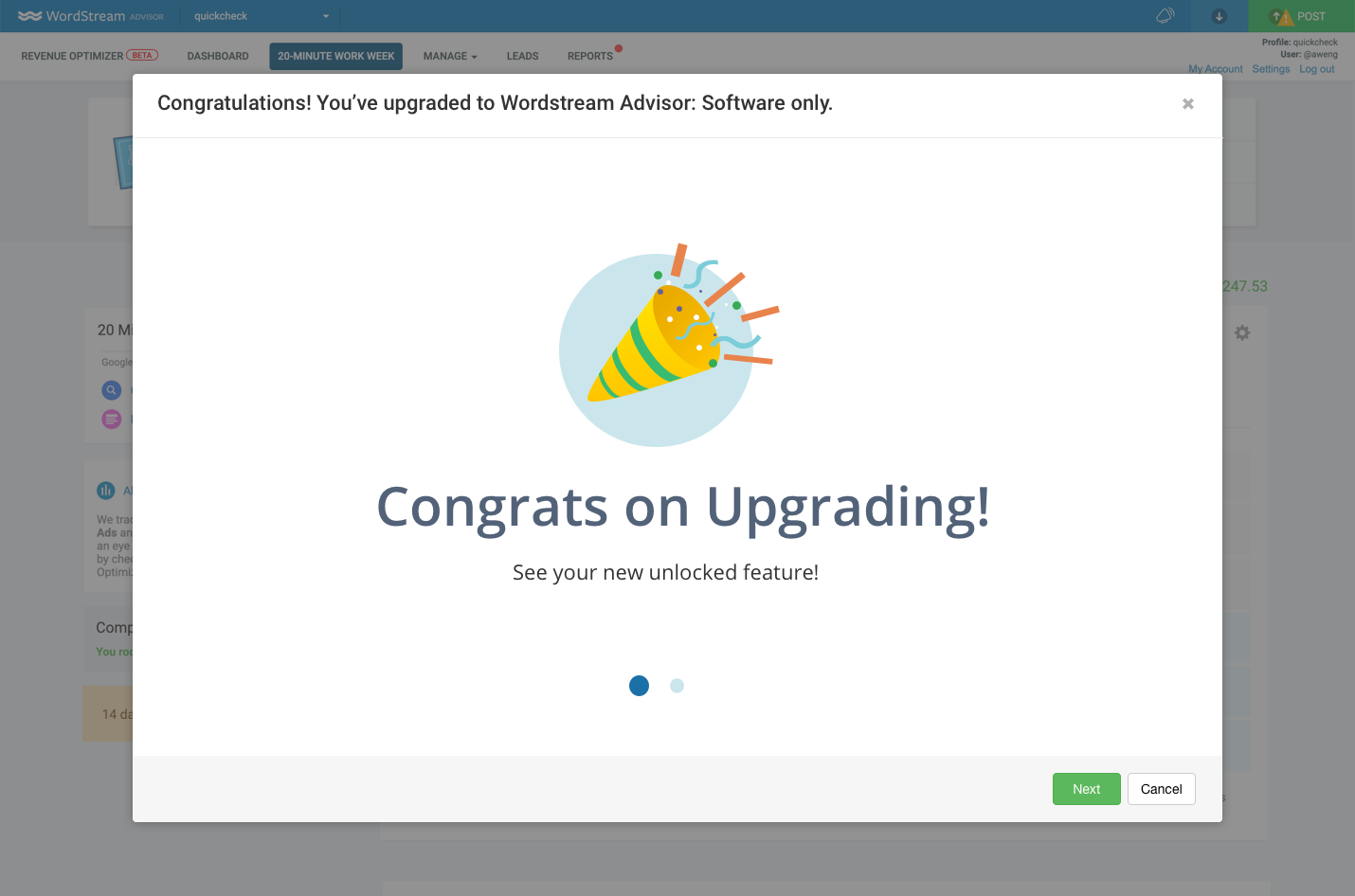
Upgrade Confirmation
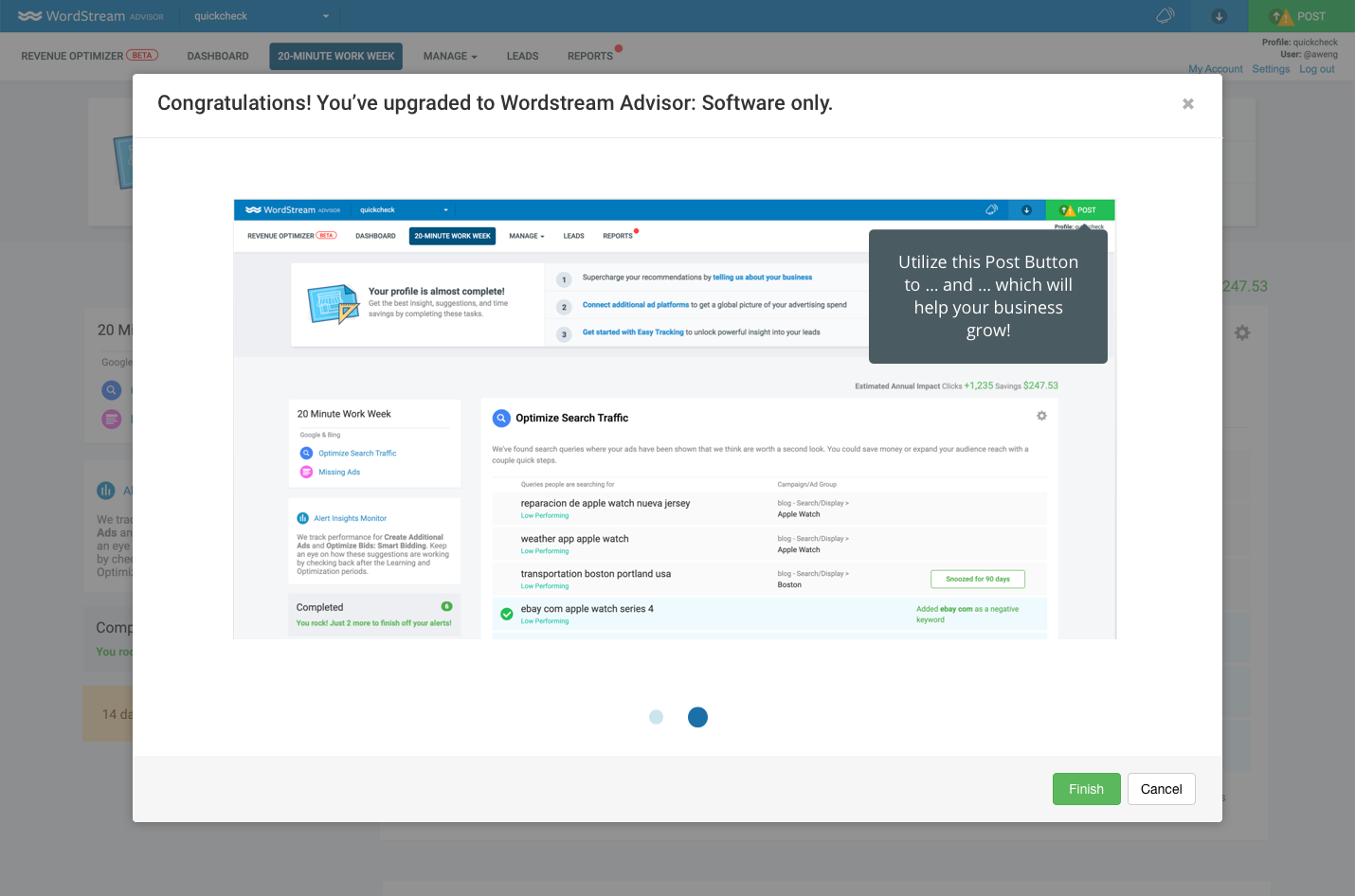
Further Assistance/Guidance
Some Fun Projects
In addition to the Buy Online Flow, I also had the opportunity to push my visual design skills by exploring illustrations to be used within the software/website.
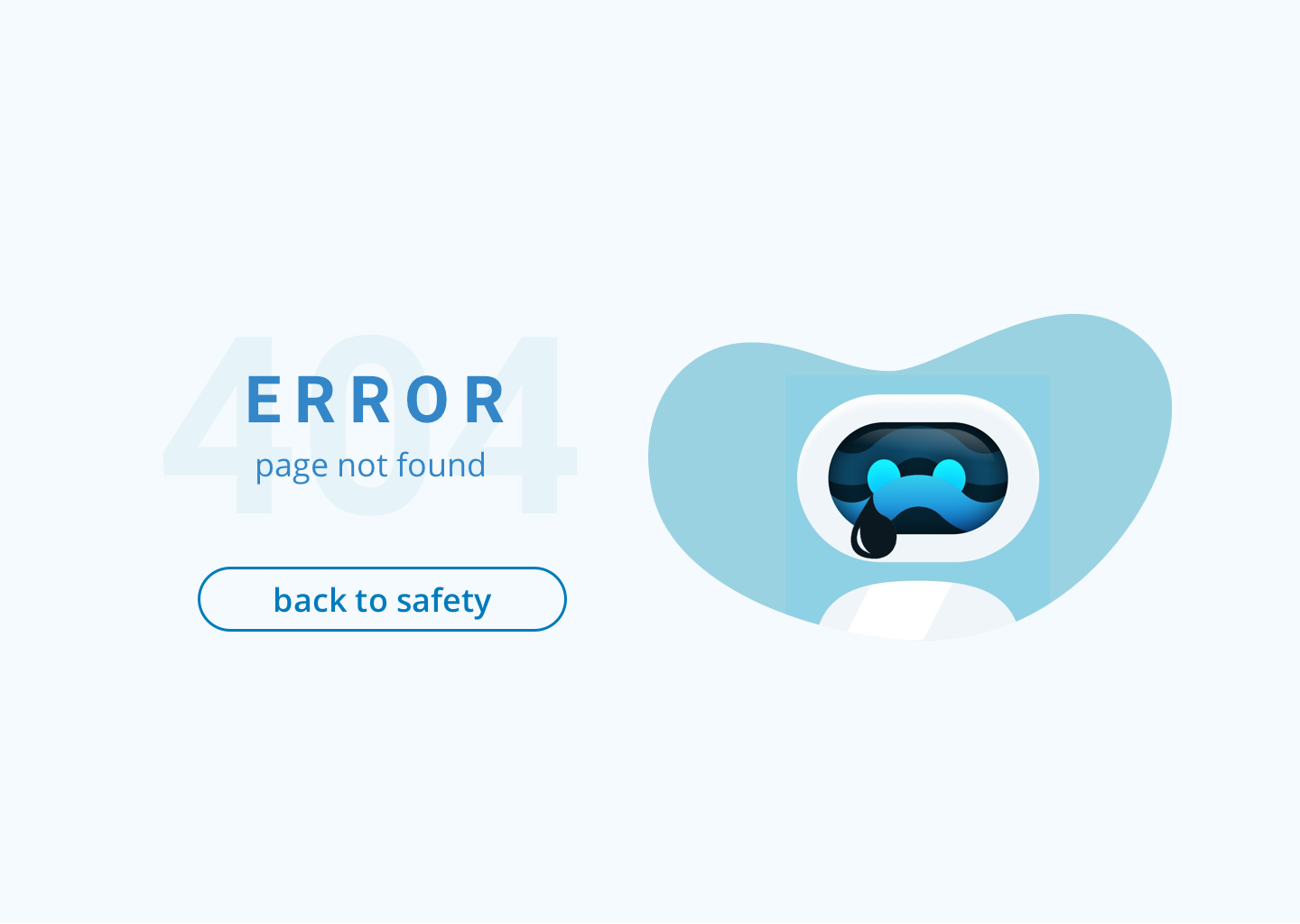
Error 404 Page
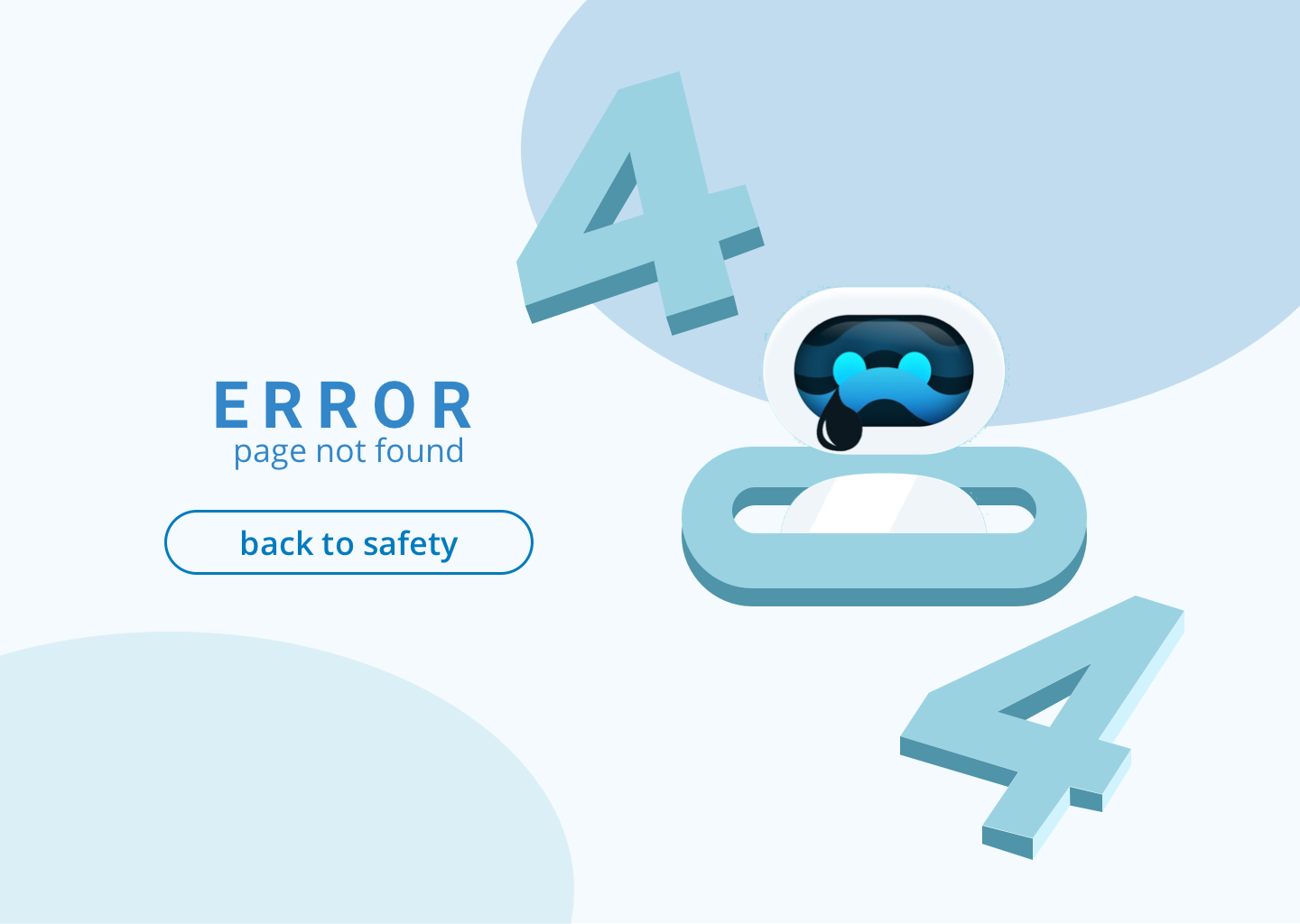
Final Error 404 Page - Live Site
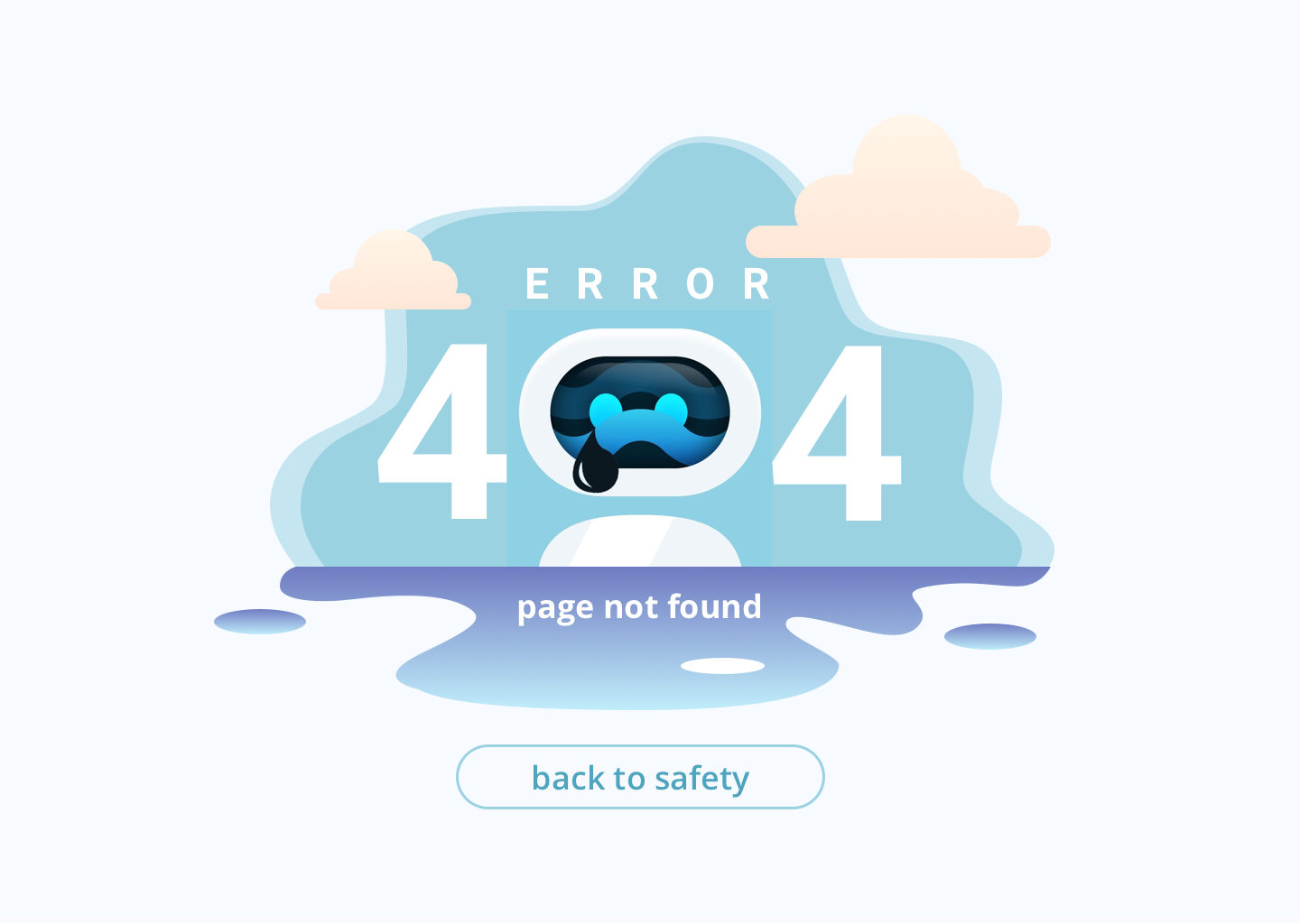
Mock 1
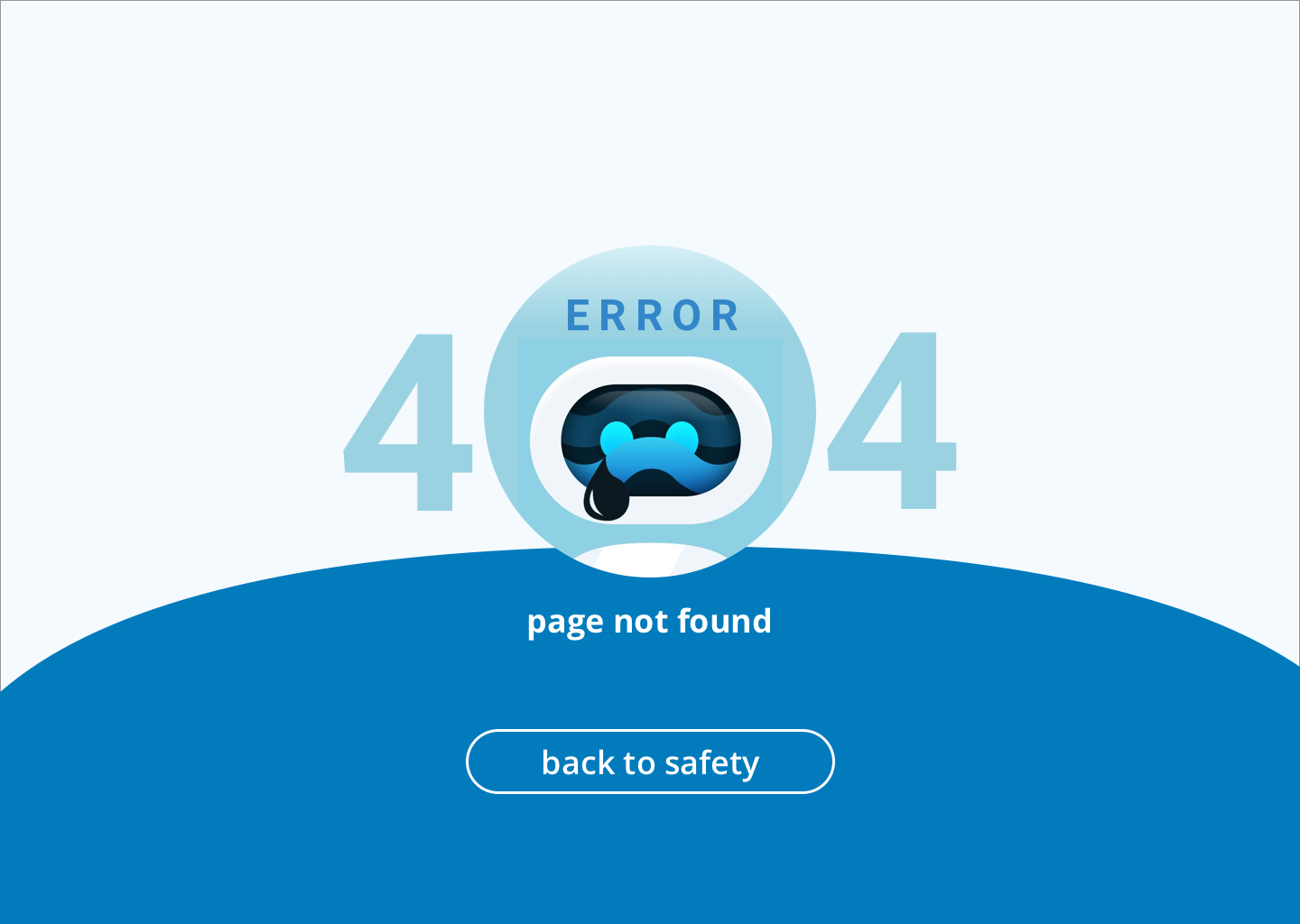
Mock 2
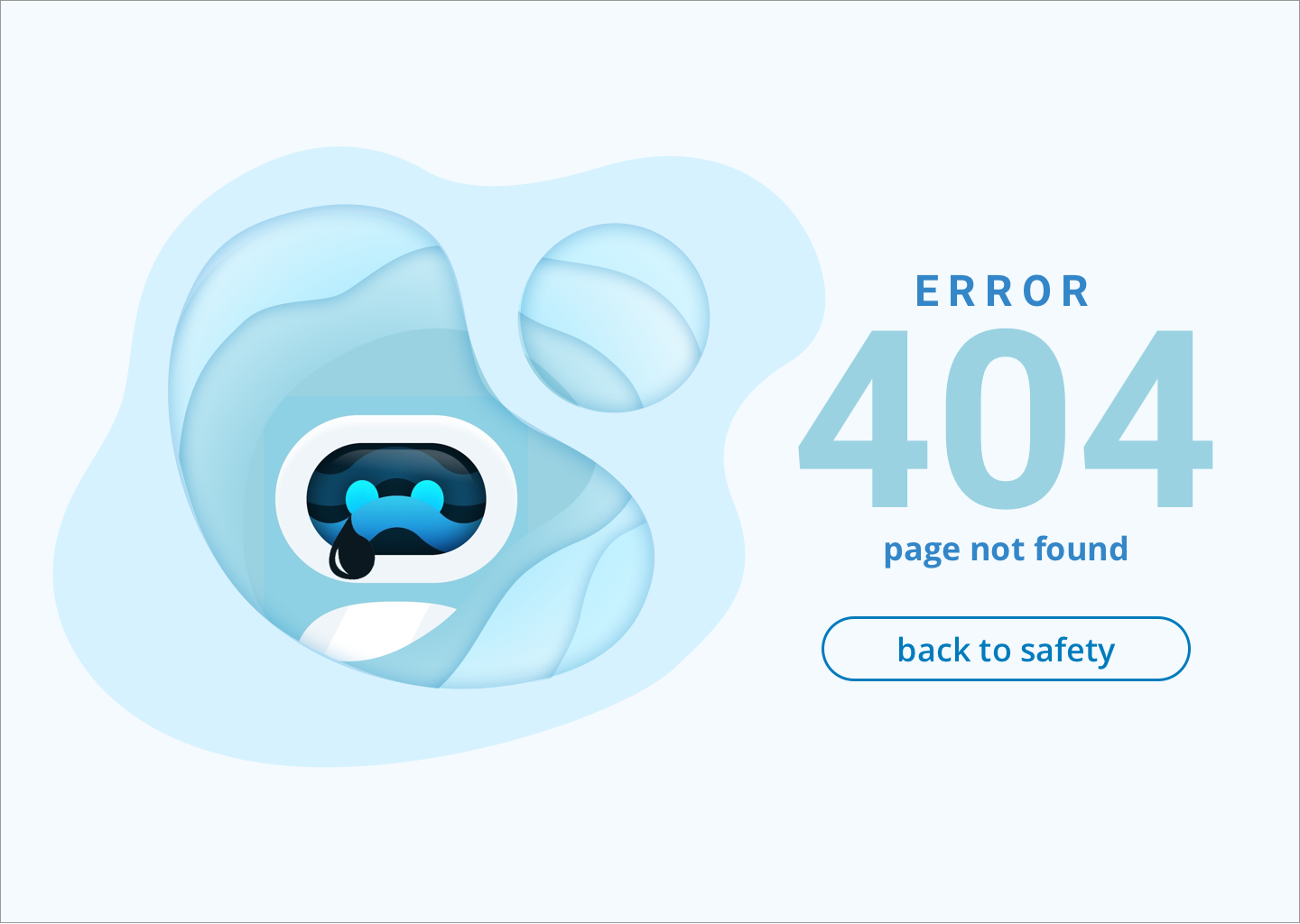
Mock 3
Mock 4
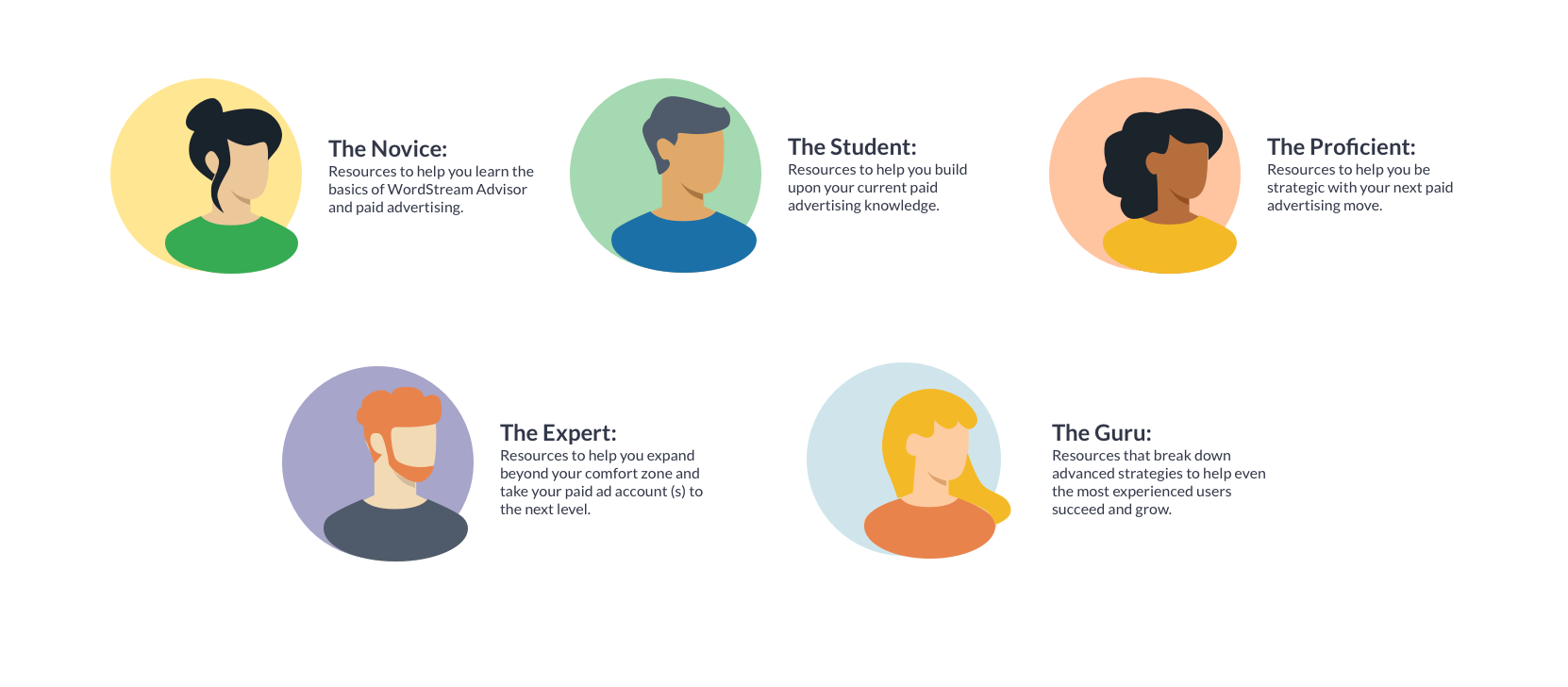
Persona Illustrations
I created these Persona Illustrations to be used as part of the Welcome Survey/Training Path match.
Additional Illustrations

Automation Illustration - appears when WordStream is automating a process

Switch to Desktop Illustration - appears when mobile users must switch to a desktop to get the full WordStream Software experience